Quick verdict
Zendesk AI is the strongest choice for teams that already run Zendesk and need AI that respects ticketing governance, SLAs, and compliance. It is not the right pick for lightweight chat-first support or standalone omnichannel messaging.
Editorial support fit signal
Evaluate firstRelevant for ticketing-first teams with mature support operations, governance, and agent-assist needs. Implementation can be heavier than lightweight chatbot tools and may depend on edition or add-ons. This is an editorial fit signal, not a user review average, benchmark result, vendor-provided rating, or measured performance claim.
How we evaluated this
We evaluated Zendesk AI as an extension of a governed helpdesk. The buyer concern is whether AI improves routing, drafting, summarization, and reporting without breaking existing queue rules, macro libraries, SLA commitments, or permission boundaries.
Workflow diagram
The Zendesk AI test path
The strongest pilot is a ticket-routing rehearsal, not a chatbot demo. Use messy historical tickets and verify how the system classifies, suggests, routes, escalates, and reports the result.
- Ticket arrives with a real subject line, history, language, and customer segment.
- AI predicts intent, sentiment, priority, and macro candidate.
- A human agent confirms whether the route, summary, and suggested answer match policy.
Workflow automation and handoff to test
Zendesk AI is built around human-centric support operations. Escalation happens via standard Zendesk triggers, views, and SLA rules. Agents see AI-generated summaries and draft replies but retain full control. We recommend testing how AI triage handles edge cases like sarcasm, multilingual tickets, and merged threads before full deployment.
- Ticket classification, tagging, and queue assignment
- Macro suggestion and one-click reply insertion
- Bot-driven deflection for common questions via help center
- Workflow triggers based on ticket age, priority, and customer segment
Who Zendesk AI fits best
Strengths
- Enterprise and mid-market teams with established Zendesk ticketing and helpdesk operations
- Organizations that require SLA tracking, custom fields, and compliance audit trails
- Support managers who want AI triage, agent assist, and bot automation inside a governed workspace
Limitations to verify
- Small teams that want a simple chatbot without the overhead of a full helpdesk suite
- Buyers who need native WhatsApp Business API, Instagram DM, or social messaging as first-class channels
- Teams that do not already use Zendesk and are unwilling to adopt its pricing and implementation model
AI capability questions
- Automatic ticket classification and routing based on intent and sentiment
- Reply drafting and rephrasing suggestions inside the agent workspace
- Help center article matching and conversational search
- Proactive bot engagement based on customer behavior and ticket history
Feature areas to verify
- Intelligent ticket triage with sentiment, intent, and priority classification
- AI-powered agent assist for reply drafting, summarization, and tone adjustment
- Zendesk bots for automated answers and conversation deflection
- Advanced analytics and AI reporting dashboards
- SLA-aware routing and escalation rules
- Deep custom fields, macros, and workflow automation
Analytics and operating visibility
Zendesk AI adds AI-specific dashboards (deflection rate, agent assist adoption, bot conversation outcomes) on top of Zendesk's standard reporting. Enterprise plans include custom metrics and API access. Verify whether the analytics package you need requires an additional add-on.
Pricing notes and cost model
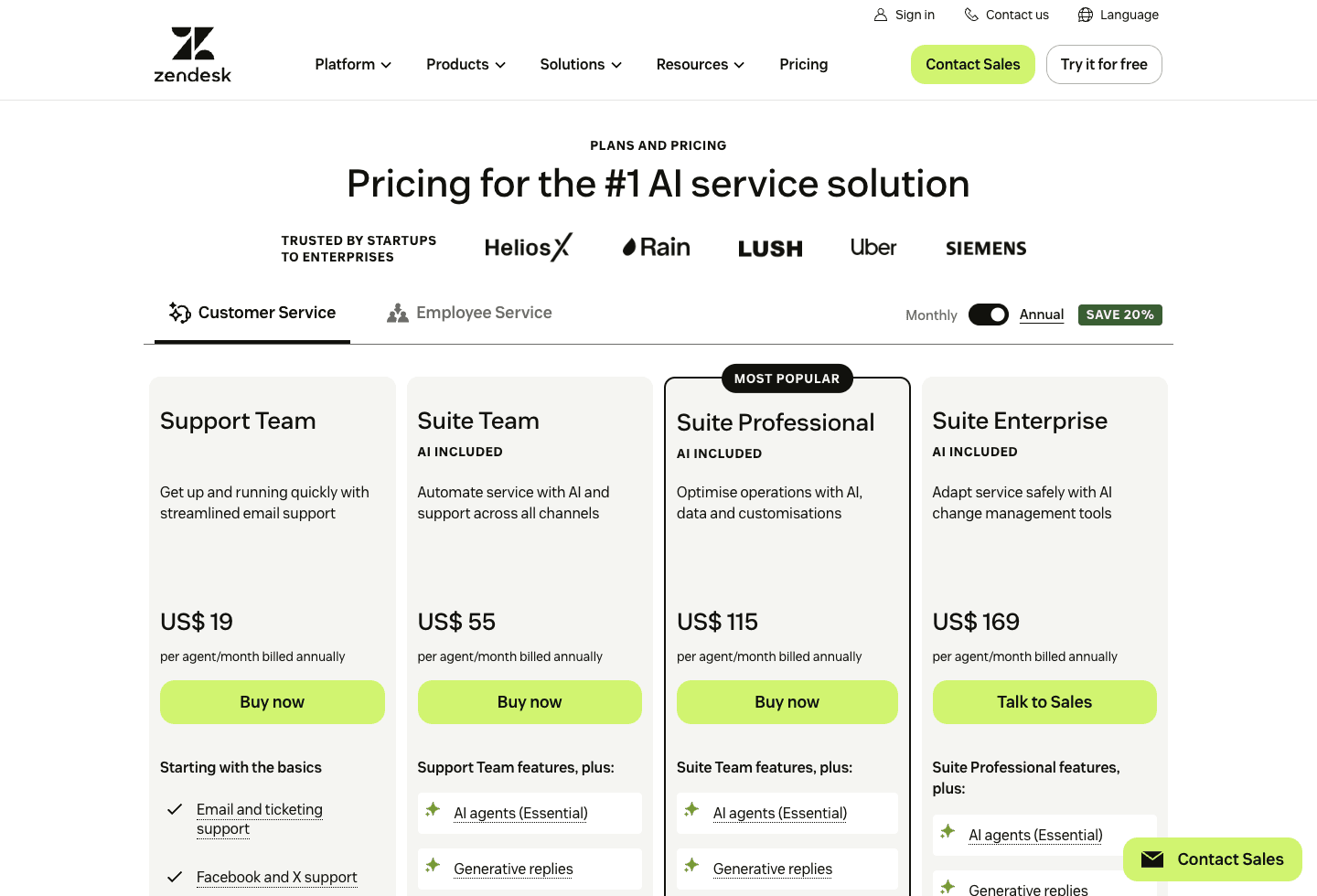
Zendesk includes some AI capabilities in Suite plans and sells additional AI capabilities through Copilot and related add-ons. Budget for the base Suite or Support plan, the required add-on tier, agent seats, AI usage or resolution terms where applicable, and implementation help if your ticket taxonomy, macros, or reporting are complex.
Channel coverage to verify
- Email (native Zendesk Support)
- Zendesk Messaging (web and in-app chat)
- Help center self-service portal
- Social media (Facebook, X/Twitter via integrations)
- Voice (via Zendesk Talk or third-party integrations)
- API and SDK for custom channels
Questions to ask before buying
- Which Zendesk Suite edition and AI add-on tier are required for the ticket triage, agent assist, and bot features we need?
- Can the demo show ticket classification, routing, and agent assist using our actual queue model and ticket taxonomy?
- How does Zendesk AI handle merged tickets, email threading, and multi-conversation customer histories?
- What is the total annual cost including Suite licenses, AI add-on per agent, and professional implementation services?
- Can we export AI analytics (deflection rates, agent assist usage) to our existing BI tool or data warehouse?
- How are custom models trained, and what data is required for the initial tuning phase?
Red flags to control
- Zendesk AI requires a Zendesk Suite commitment. The total cost of Suite + AI add-on + implementation can exceed standalone AI agent platforms significantly.
- Native social messaging (WhatsApp, Instagram) often requires additional Zendesk Sunshine Conversations or third-party connectors with separate billing.
- AI triage accuracy on nuanced intent, sarcasm, and multilingual tickets should be validated with real data before relying on it for routing.
- The vendor cannot show agent-assist working with your team's actual tone, macro library, and customer segments.
Alternatives
- Intercom FinChoose Intercom Fin for a messaging-first, resolution-priced AI layer inside a modern customer communication platform.
- YourGPT AIChoose YourGPT AI when you need omnichannel coverage and a flexible agent layer without committing to a full helpdesk suite.
- GorgiasChoose Gorgias when ecommerce store context (orders, returns, inventory) is the primary driver of support volume.
Official sources to verify
Claim and source ledger
What this profile is based on
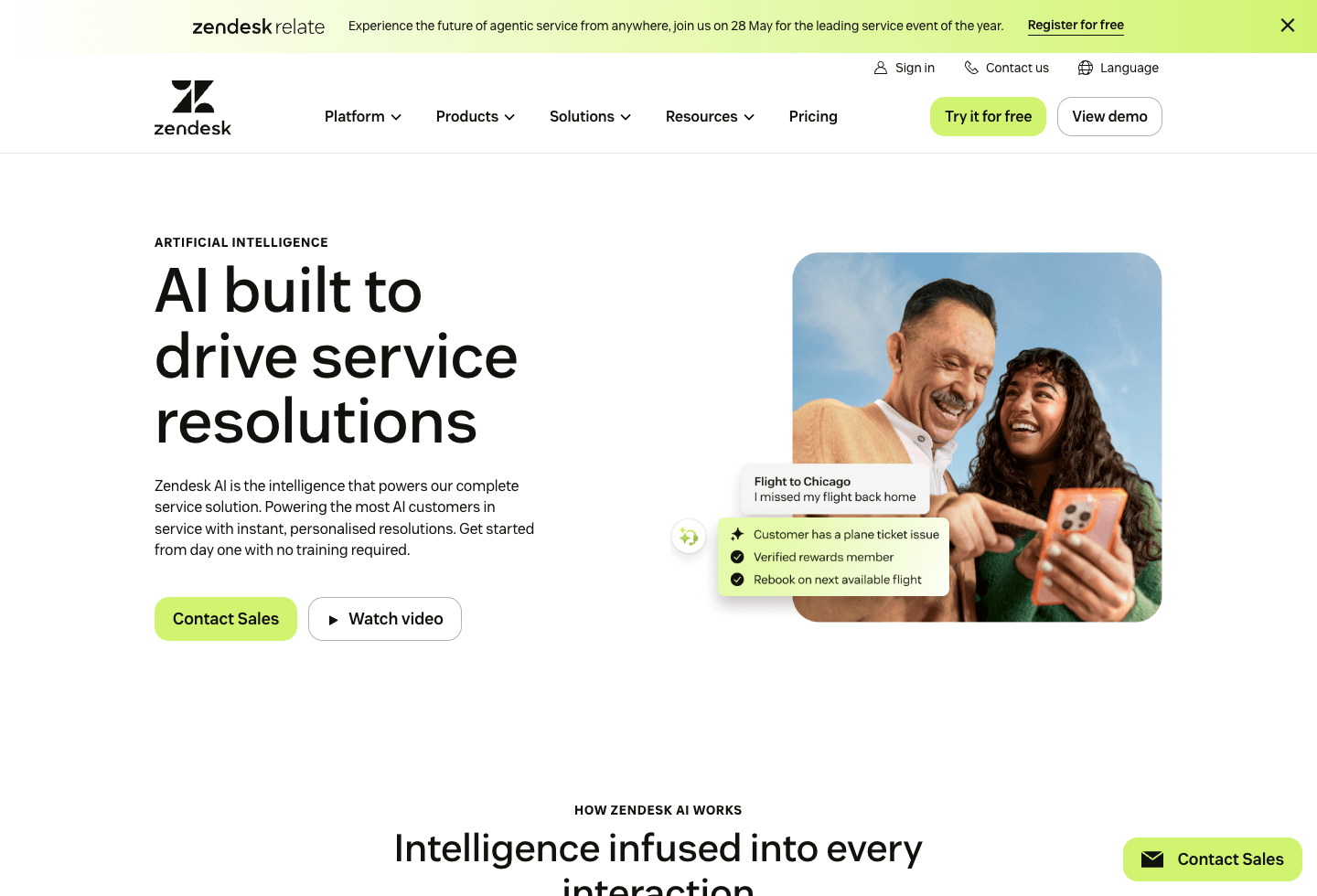
Public Zendesk AI product documentation, Zendesk Suite pricing, and integration guides as of May 2026. We referenced Zendesk's help center and public API references for automation and analytics details.
What we did not verify
We did not measure ticket triage accuracy on a labeled dataset, test agent-assist adoption rates, or audit Zendesk AI's data-processing practices. Buyers should request a pilot environment.
How we scored fit
Our editorial fit signal weights governance depth, SLA integration, and enterprise readiness. It is not a performance benchmark or a customer satisfaction score.
Final verdict
Zendesk AI is the safest shortlist pick for teams where ticketing discipline, queue ownership, macros, SLAs, and auditability matter more than a sleek chat-first experience. Choose Intercom Fin for messaging-first support, YourGPT AI for broader channel deployment, and Gorgias when ecommerce order context is the center of the workflow.
FAQ
Common questions
What is Zendesk AI best used for?
Zendesk AI is best used for teams already on Zendesk who want to add intelligent triage, agent assist, and bot automation to their existing ticketing workflow. It excels when governance, SLA compliance, and audit trails are required.
Does Zendesk AI work without Zendesk Suite?
No. Zendesk AI is an add-on to Zendesk Suite. You need an active Zendesk Support subscription, and most AI features require specific plan tiers. It is not a standalone AI agent platform.
How does Zendesk AI pricing work?
Zendesk AI is priced per agent per month as an add-on to your Zendesk Suite plan. Advanced AI features, custom models, and API access may require higher tiers. Total cost includes Suite licenses, AI add-ons, and optional implementation services.
Can Zendesk AI replace human agents?
Zendesk AI is designed to augment human agents, not replace them. It triages tickets, suggests replies, and deflects simple questions. Complex issues, escalations, and relationship-sensitive conversations still require human judgment.
Is Zendesk AI secure for enterprise data?
Enterprise buyers should review Zendesk's current security documentation, data-processing addendum, data residency options, audit logs, and retention controls before enabling AI on sensitive queues.
Zendesk AI vs Intercom Fin: which is better?
Choose Zendesk AI if you need ticketing governance, SLAs, and enterprise controls. Choose Intercom Fin if you prefer a messaging-first interface, resolution-based pricing, and a lighter helpdesk model.
What are the main drawbacks of Zendesk AI?
It requires a full Zendesk Suite commitment, which is expensive for small teams. Social-native channel support is weaker than omnichannel platforms. Implementation and customization can take weeks to months depending on ticket complexity.
How long does it take to implement Zendesk AI?
Basic bot and agent assist features can be enabled in days. Full intelligent triage, custom models, and workflow integration typically require 4-12 weeks depending on ticket volume, data quality, and custom field complexity.
Buyer tools
Compare by workflow, not by hype.
Use the methodology to evaluate channels, automation depth, handoff, integrations, and implementation fit before shortlisting a platform.