
Operations control
Route exceptions with evidence
Operations agents need permission-aware actions, audit trails, queue visibility, and clean escalation when an automation cannot finish.
Category guide
Operations AI agents are not just chatbots for internal teams. The useful ones sit between tickets, spreadsheets, approvals, databases, and business systems, then help route work, clean up records, draft reports, trigger workflows, and escalate exceptions with enough context for a human owner to trust the handoff.
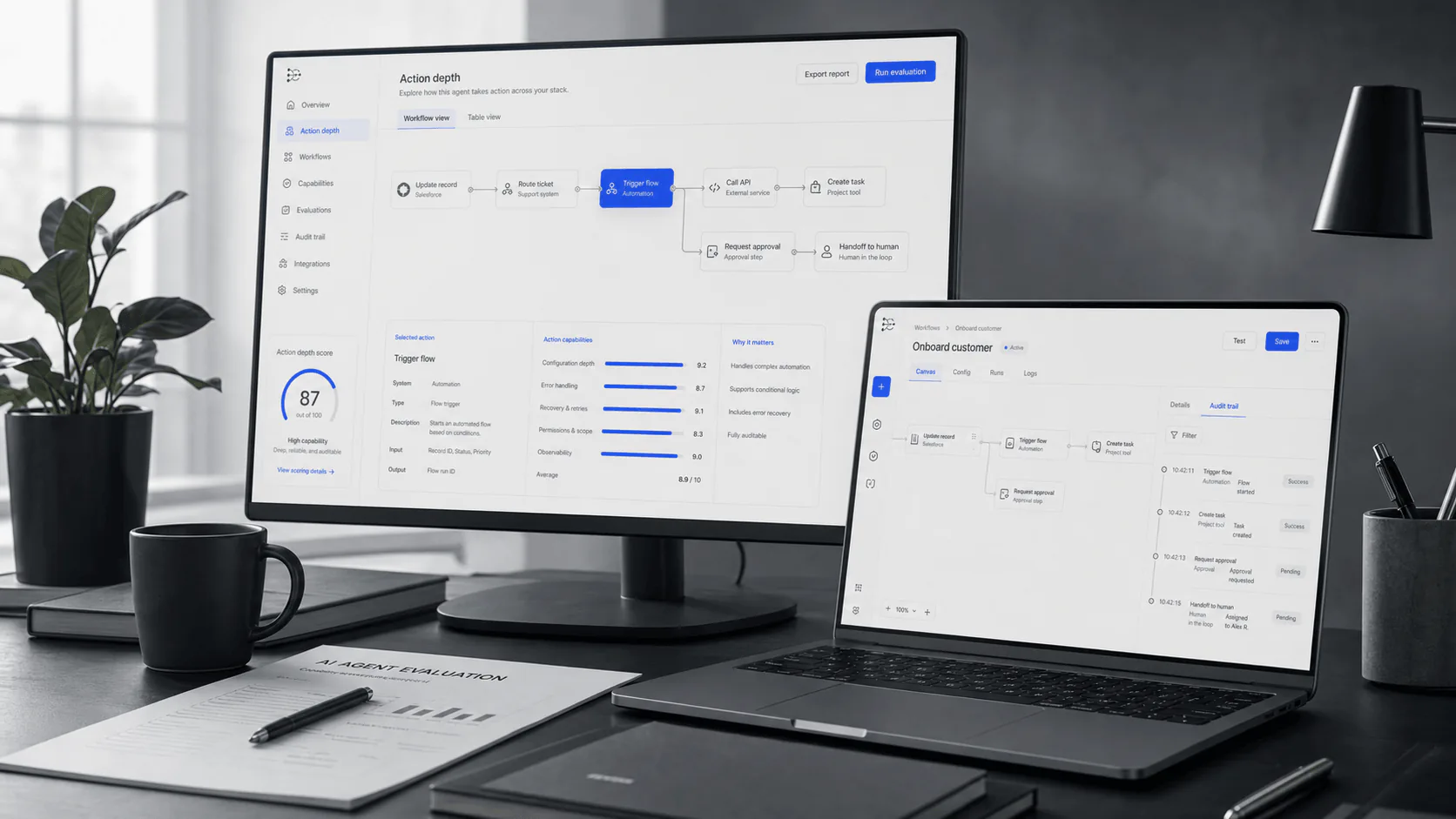
Operations control
Operations agents need permission-aware actions, audit trails, queue visibility, and clean escalation when an automation cannot finish.
Reader brief
Operations teams do not need another assistant that writes polite summaries and then leaves the actual work untouched. The valuable category is narrower: AI agents that can observe messy operational inputs, decide what needs to happen next, prepare the action, and either execute it within approved boundaries or hand it to the right owner with evidence.
In practice, judge an operations agent less by the quality of its demo conversation and more by its behavior inside real queues: unresolved tickets, stale CRM fields, duplicate customer records, pending access requests, approval chains, broken automations, month-end reporting tasks, vendor follow-ups, and workflows where the happy path only covers half the work.
The strongest systems understand the difference between a low-risk update and a controlled action. They preserve an audit trail, respect permissions from source systems, show confidence and evidence, and make ownership explicit when they route a ticket incorrectly, update the wrong field, or fail to escalate an exception.
Shortlist
Compare operations agents by workflow depth, approval controls, permission model, data hygiene, observability, exception handling, and rollout fit.
| Use case | What the agent should do | What to verify before buying | Best-fit team |
|---|---|---|---|
| Ticket routing and triage | Classify requests, detect urgency, enrich with account or system context, route to the correct queue, and flag ambiguous cases. | Test historical tickets with edge cases, duplicates, vague requests, VIP accounts, and policy-sensitive issues. | IT, support ops, RevOps, internal helpdesks |
| Approval workflows | Prepare approval packets, identify required approvers, check policy conditions, and record who approved what. | Confirm human gates, delegation rules, audit logs, and rollback behavior for rejected or expired approvals. | IT ops, procurement ops, finance ops, security ops |
| Data cleanup | Find duplicates, incomplete fields, stale records, inconsistent naming, and mismatched ownership across systems. | Require preview mode, confidence scoring, reversible changes, and field-level permissions before bulk updates. | RevOps, BizOps, customer ops, data operations |
| Reporting and summaries | Pull operational data, explain metric movement, summarize anomalies, and prepare weekly or monthly updates. | Check source traceability, calculation logic, freshness windows, and whether numbers trace back to systems of record. | BizOps, RevOps, executive operations, department leads |
| Workflow automation | Trigger multi-step actions across tools, such as creating tasks, updating records, notifying owners, and closing loops. | Look for dry-run mode, retries, failure notifications, rate limits, and a clear boundary between suggestion and execution. | Automation teams, internal tools, operations engineering |
| Exception handling | Detect when a request falls outside policy, lacks context, conflicts with another record, or requires human judgment. | Evaluate escalation quality: evidence included, owner notified, and unresolved exceptions tracked to closure. | High-volume or cross-functional ops teams |
Selection filter
A strong operations agent handles the boring middle: missing fields, policy checks, system updates, owner notifications, and completion tracking.
The agent should inherit or enforce real permissions, support role-based controls, and distinguish automatic actions from approval-required actions.
Every meaningful action should leave a trail: input, decision, source records, initiator, approval status, timestamp, and final result.
The best agent often knows when to stop. Look for fallback behavior when context is missing, confidence is low, systems disagree, or policy applies.
Operations agents should read from and write back to trusted systems instead of becoming a hidden second source of truth.
Ask for workflow-level evaluation: routing accuracy, approval cycle time, cleanup acceptance rate, escalation quality, failed action rate, and rollback rate.
Rollout risk
AI agents fail quietly when ownership is vague. Before rollout, assign a business owner, system owner, escalation owner, and policy owner.
Start with a narrow workflow where the input, decision rules, and source systems are well understood. Then expand into exceptions. An agent cannot compensate for a process that has no reliable baseline.
Run the agent against historical tickets, records, and approvals before giving it write access. Compare its decisions to what humans actually did, then inspect the disagreements.
Message volume, tasks created, and summaries generated are weak signals. Better metrics include reduced backlog age, faster approval cycles, fewer reopened tickets, cleaner records, fewer manual handoffs, and lower exception leakage.
Checklist
FAQ
An operations AI agent helps execute internal workflows across business systems. Unlike a basic chatbot, it can classify requests, enrich records, prepare approvals, trigger actions, summarize operational data, and escalate exceptions when human judgment is needed.
The best starting points are high-volume, rules-based workflows with clear owners and measurable outcomes: ticket routing, access requests, approval preparation, CRM cleanup, reporting summaries, vendor follow-ups, and internal task handoffs.
Not at first. Start with read-only analysis and recommendations, then move to draft changes, approval-based updates, and finally low-risk autonomous actions. Bulk updates should require preview, sampling, and rollback controls.
Usually no. Automation tools remain useful for deterministic workflows. Operations AI agents are more useful where inputs are messy, context matters, and decisions require classification, summarization, or exception handling before a workflow runs.